
QThinker
OpenCode安装了oh-my-openagent插件后,默认的Build/Plan智能体会被替换为插件智能体。但有时候对于特定任务,还是想使用系统内置的Build/Plan模式。这时修改配置文件(~/.config/opencode/oh-my-openagent.json),添加 sisyphus_agent 配置,如下:
{
  "$schema": "https://raw.githubusercontent.com/code-yeongyu/oh-my-openagent/dev/assets/oh-my-opencode.schema.json",
  "agents": {
    "sisyphus": {
      "model": "opencode/claude-opus-4-7",
      "variant": "max",
      "fallback_models": [
        { "model": "opencode/kimi-k2.5" },
        { "model": "opencode/gpt-5.4", "variant": "medium" }
      ]
    },
    "prometheus": {
      "model": "opencode/claude-opus-4-7",
      "variant": "max"
    }
    /* ... 你其他的 agent 配置保持不变 ... */
  },
  "categories": {
    /* ... 你其他的 categories 配置保持不变 ... */
  },
  "sisyphus_agent": {
    "disabled": false,
    "default_builder_enabled": true,
    "replace_plan": false
  }
}
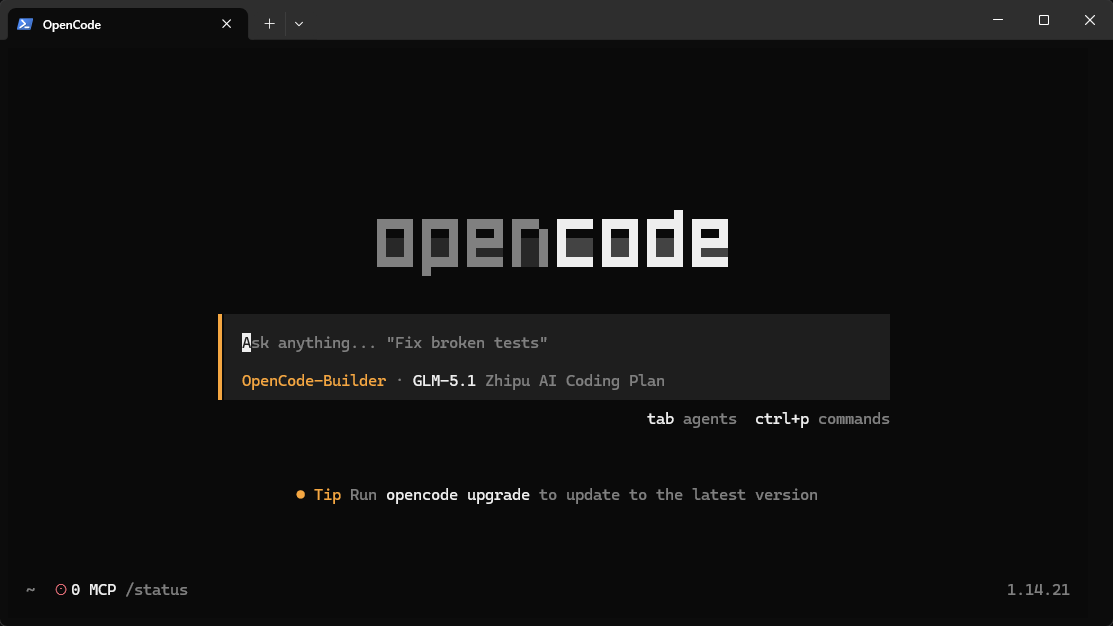
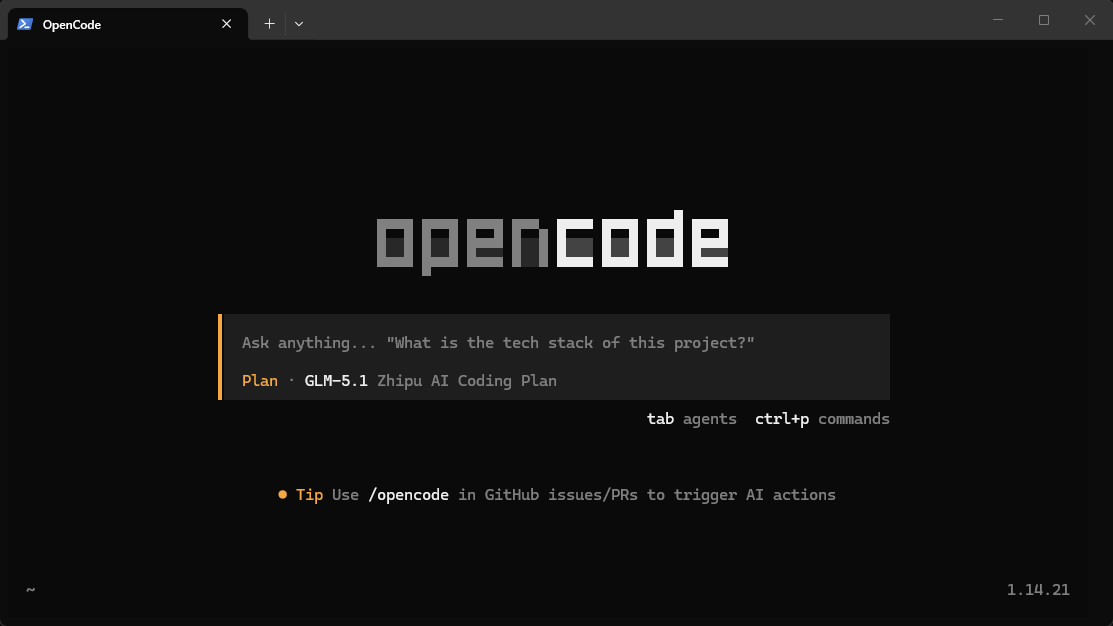
配置后重启OpenCode,使用Tab切换智能体,就能看到原来的内置Build和Plan了。
0
588
评论
0发表评论